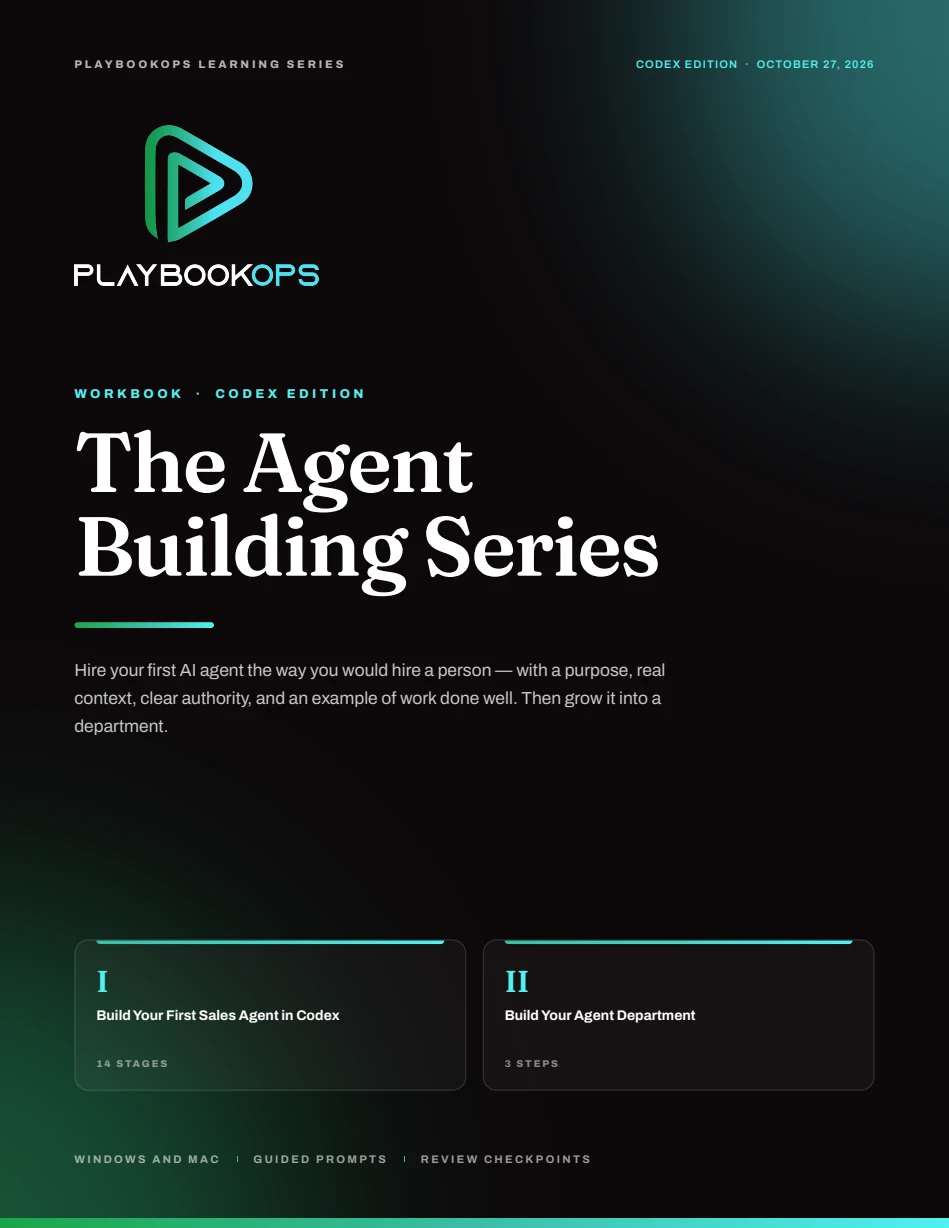
CODEX EDITION
Build Your First Sales Agent in Codex
Work through setup, business context, role design, SOPs, and tools. Finish by testing a sales research brief and outreach draft against one real example you provide.
PLAYBOOKOPS LEARNING SERIES
You know where your team needs help. The next step is turning that work into a clear role an AI agent can follow—with the right context, boundaries, and a useful result you can review.
Choose the Codex or Claude Code edition. Each standalone workbook walks you from your first sales research agent to a plan for a small agent department. Start with one real job, test it, and build from what you learn.
Two editions · 33 pages each · Windows & Mac
INSIDE THE SERIES
Pick the platform you want to use. Both editions follow the same practical method, with instructions and prompts written for that platform. The department guide is included in each workbook.
CODEX EDITION
Work through setup, business context, role design, SOPs, and tools. Finish by testing a sales research brief and outreach draft against one real example you provide.
INCLUDED IN BOTH EDITIONS
Once the first agent works, identify the next useful role. Define a manager, clear handoffs, and reporting that brings decisions and blockers back to you.
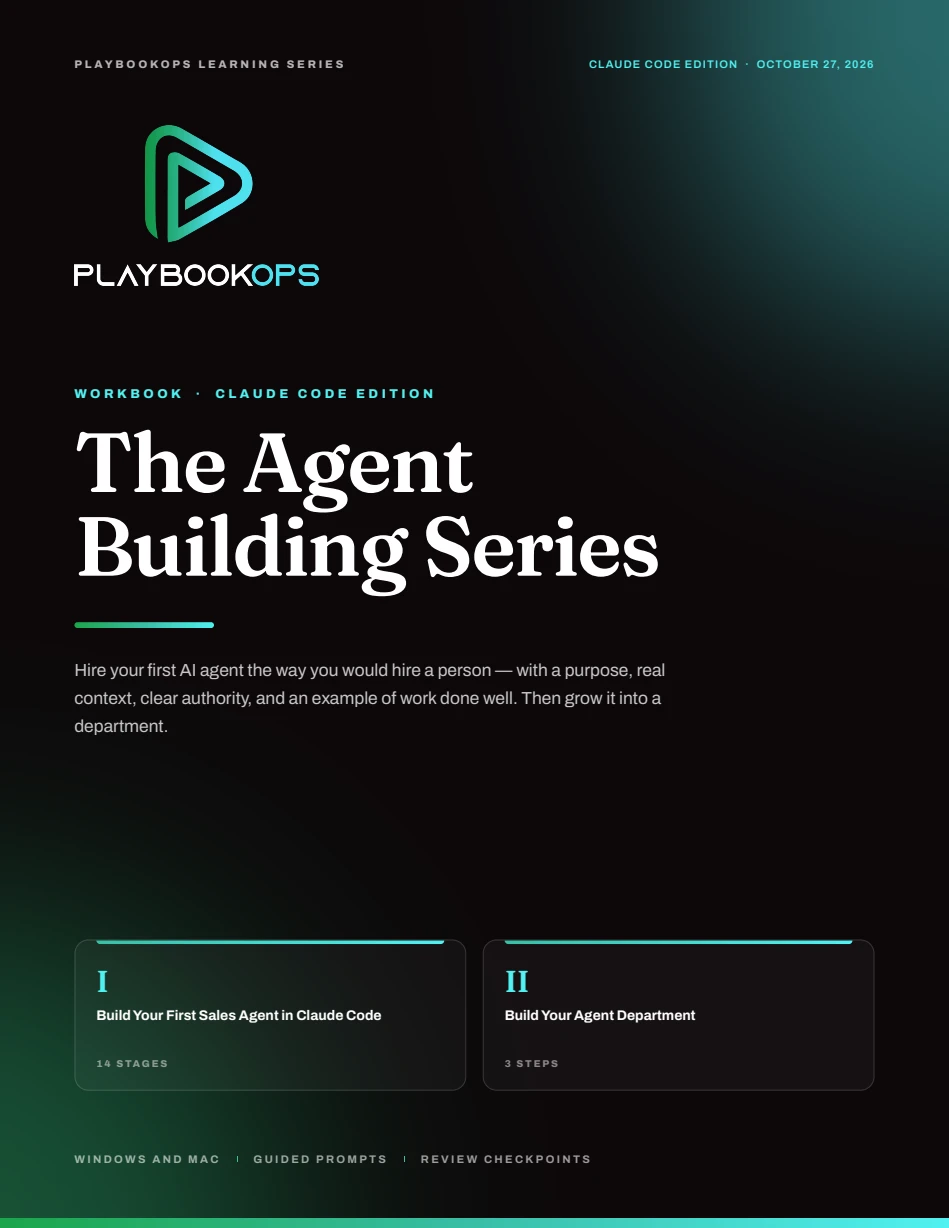
CLAUDE CODE EDITION
Follow the full beginner path in Claude Code: set up your workspace, define the role and tools, and test a sales research brief and outreach draft before expanding the agent’s responsibilities.
WHAT YOU’RE WORKING TOWARD
A useful agent needs much of what a new team member needs: an understanding of the business, a clear role, access to the right information, and an example of work done well.
In the first project, you supply a LinkedIn connection and a conversation goal. Your agent researches the available context and drafts a message for your review. You check the evidence, correct the gaps, and decide what happens next.
Start with the workbookOne connection you choose
Your offer or conversation goal
Verified context and sources
Fit assessment and open questions
A natural opening message
Review the evidence. Refine the draft.
You choose whether to send.
THE PATH IN BOTH EDITIONS
Fourteen stages, grouped into six practical checkpoints. Work at your own pace and save your progress as you go.
Get your accounts, desktop apps, and private business repository in place.
Capture the context, values, and working rules your agent will need.
Define its purpose, responsibilities, authority, and standard for good work.
Build an SOP and verify the connections needed to follow it.
Review the setup, launch the role, and evaluate one supervised example.
Preserve the work and a clear checkpoint so you can pick up where you left off.
YOUR FIRST AGENT STARTS HERE
Bring one job you want help with. Use the workbook to make the expectations clear, build the role, and see how it handles real work.
Codex & Claude Code editions · October 27, 2026
Form not loading? Open the request form in a new tab ↗
BEFORE YOU BEGIN
Both editions are written for beginners on Windows and Mac. It uses guided conversations and copy-ready prompts to help you build the files. You will still install the required tools, set up accounts, and review the agent’s work.
The first worked example is a sales research agent because it gives you a specific job to build and test. The broader method—business context, role clarity, authority, SOPs, and review—can help owners and leaders think through other roles across their business.
No. Choose either Codex or Claude Code on the form. Each edition is a standalone 33-page workbook with a full 14-stage beginner path and a three-step guide to building your agent department. You only need the edition for the platform you plan to use.
The first agent researches supplied LinkedIn connections and drafts outreach for human review. You decide what to send. The workbook keeps sending, scheduling, invitations, and CRM changes outside that initial role.
A Windows or Mac computer, your business context, and one real example you can safely use for testing. The workbook walks through the accounts and tools for each route. Provider access, plans, and usage limits are separate from the workbook.